How to Run Church Slides Without the Stress
Running slides on Sunday shouldn't feel like defusing a bomb. Here's how to prep, name, and run your presentation software so nothing catches you off guard mid-service.

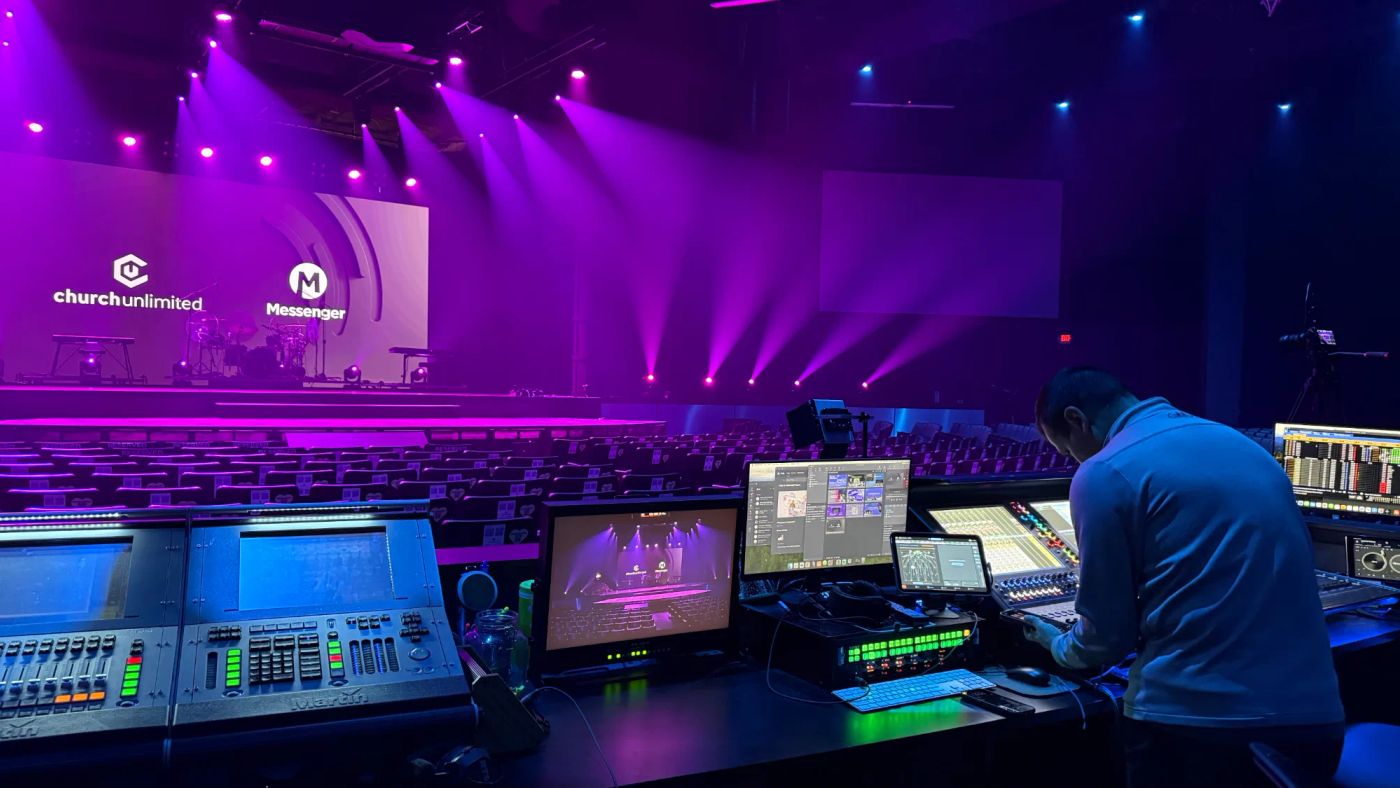
Running slides on Sunday shouldn't feel like defusing a bomb while everyone watches. Most mid-service slide disasters aren't bad luck — they're the result of skipping a little prep. Here's how to set yourself up so the tech disappears and people can just worship.
Build the order of service early
Get the full flow of the service — songs, announcements, sermon, communion, whatever's happening — into your presentation software before the weekend, not five minutes before doors. The earlier your slides exist, the more time there is to catch the typo, the missing lyric, or the song in the wrong key.
Name your slides so you can find them fast
When you're live and the pastor jumps ahead, you don't want to be scrolling blindly. Give every section and song a clear, obvious name so you can jump straight to it. Future-you, sweating in the booth, will be grateful.
The five-minute pre-service checklist
Before every service, run the same quick check:
- Open the presentation and click all the way through once.
- Confirm lyrics match the key and arrangement the team is actually playing.
- Check that any videos play with sound and are cued to the start.
- Make sure the right screen is showing to the room, not your desktop.
- Silence notifications on the presentation computer.
When something breaks mid-service
It happens to everyone. Don't freeze on a broken slide — go to black or a simple holding slide, breathe, and fix it calmly. A black screen for ten seconds is far less distracting than a frozen error message left up for a whole song. Have a plain holding slide ready for exactly this.
Practice the handoff
If you share the role, agree on how you pass it off and where the files live, so anyone can step in. The best tech teams are the ones where no single person is the only one who knows how it all works. Prep the boring stuff ahead of time, and Sunday morning gets a whole lot calmer.

Want the next drop?
A fresh set of ideas lands every week. Join the Squad and never miss one.