How to Livestream Your Church Service: A Simple Setup
You don't need a production truck to livestream your service well. Here's a simple, reliable setup any volunteer can run — starting with what you already have.

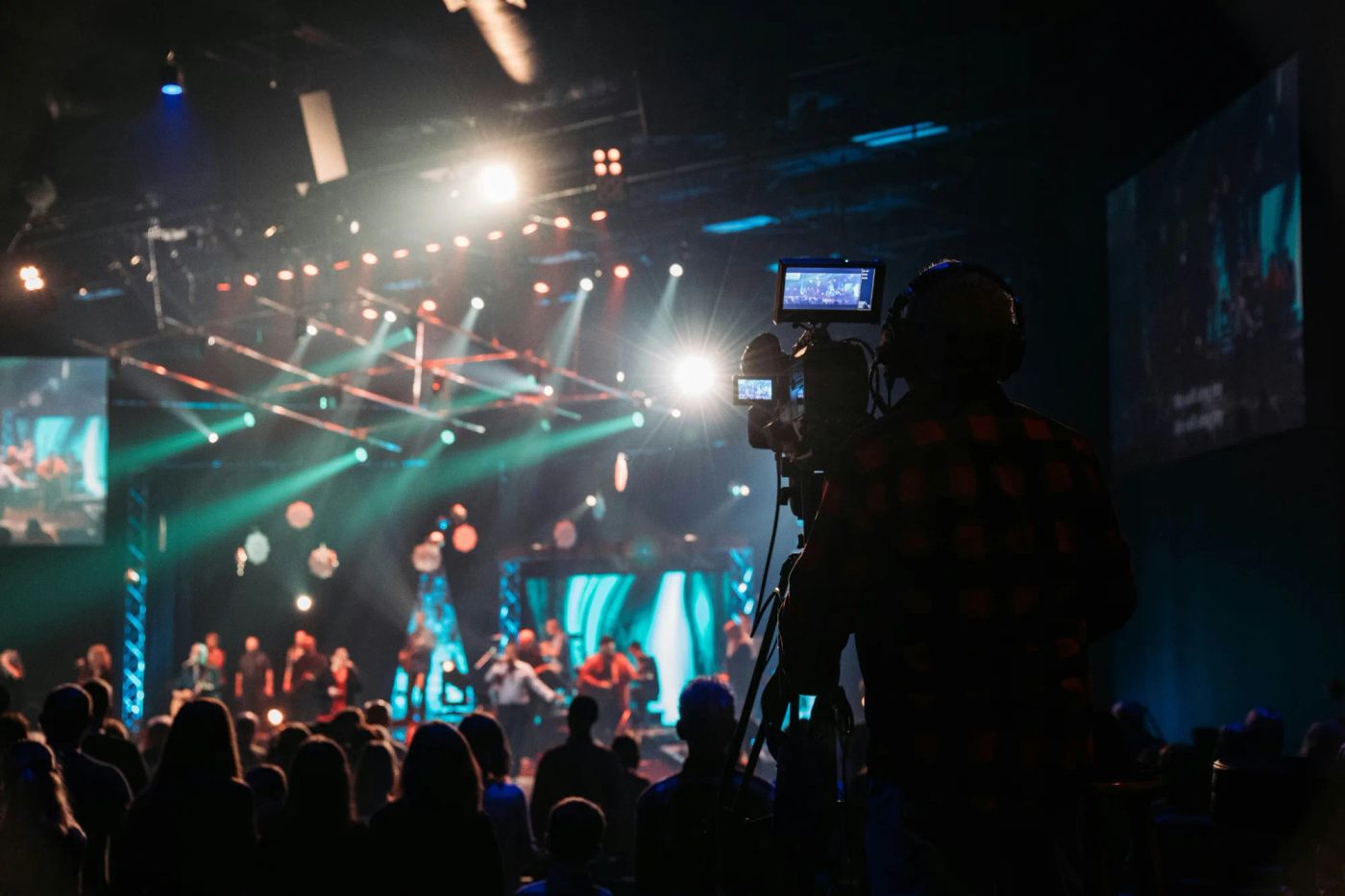
Livestreaming your service is one of the most welcoming things a church can do — it lets the sick, the traveling, and the curious be part of Sunday. And you don't need a production truck to do it well. Here's a simple setup any volunteer can run.
Start with what you already have
A recent phone on a tripod streams in genuinely good quality. Don't wait for a budget or a camera package — start simple, get consistent, and upgrade only when a real limitation shows up. Done every week beats perfect someday.
Get the audio right first
People will forgive a soft picture, but they'll click away from bad audio. Prioritize sound:
- Pull audio straight from the soundboard if you can, not the room mic.
- If you must use the phone mic, get it as close to a speaker as is safe.
- Do a quick level check during soundcheck, not during the first song.
Frame one solid, steady shot
One locked-off shot that captures the stage well beats a shaky camera someone has to babysit. Put it on a tripod, frame it a little wide so nothing important drifts out, and leave it. Simple and stable wins online.
Pick one platform and keep it simple
Start where your people already are — usually YouTube or Facebook — and stream there natively. You can add more platforms later with a tool like OBS or Restream, but don't let setup complexity keep you from going live at all.
Do a dry run before Sunday
Test the whole chain — audio, video, internet, and the actual go-live button — on a normal day when no one's watching. Five minutes of testing midweek saves you a panic at 10:29 on Sunday morning.

Want the next drop?
A fresh set of ideas lands every week. Join the Squad and never miss one.